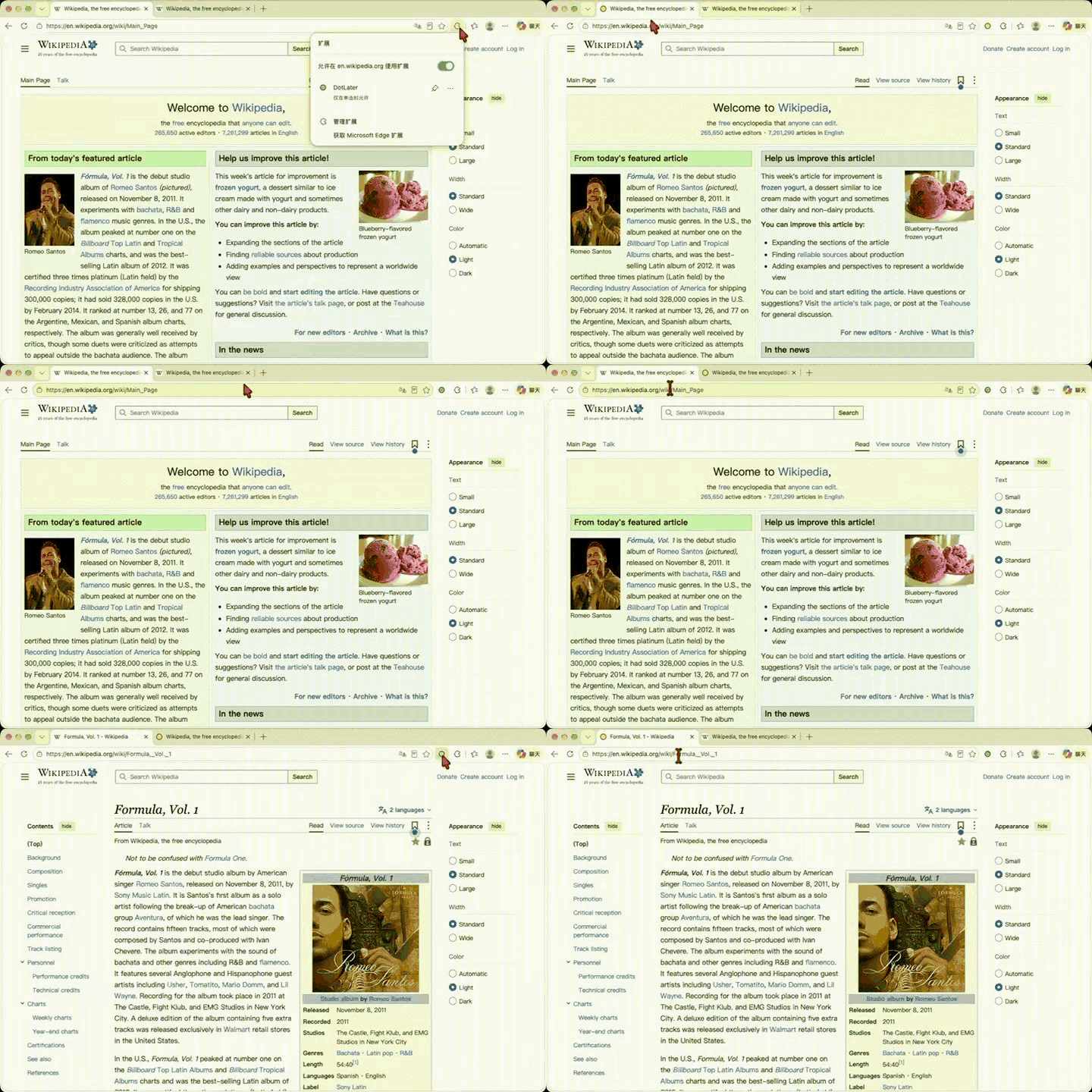
How to use
- 1
Pin DotLater. Open the Extensions menu and choose Pin or Show in toolbar.
- 2
Mark a tab. Click the green dot. It turns yellow. Click again to undo.
- 3
Come back. Return to the tab to clear the mark automatically after one second.
Shortcut
Windows: Ctrl + Shift + X
Mac: ⌘ + Shift + X
See it in action